Scan
Ring up a tag with a scanner or your camera. Photograph a stack and HoloTill names every card, set and number.
HoloTill prices every card you own, prints a QR price tag on your Niimbot, and rings customers up with a scan. Buy cards in for cash or trade credit, and see your real profit after discounts and card fees.
Free while in early access. Runs in your phone's browser; add it to your home screen to use it like an app.
Ring up a tag with a scanner or your camera. Photograph a stack and HoloTill names every card, set and number.
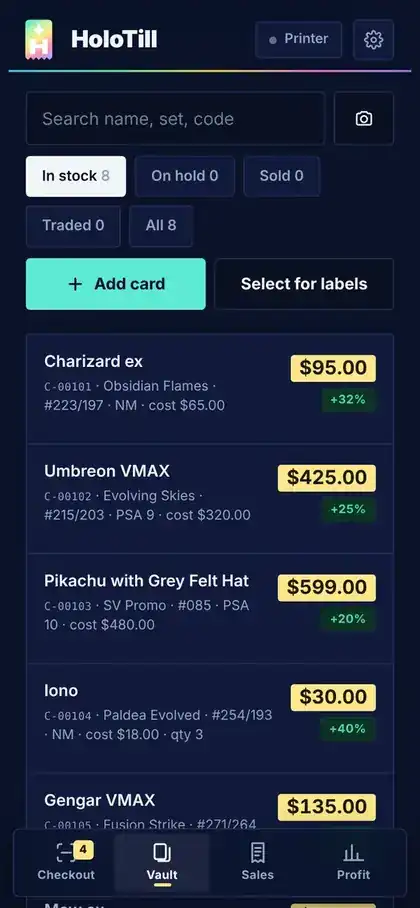
Every card in your vault with what you paid, its sticker price, its condition and its QR tag.
Look up any of 21,000+ Pokémon cards in a keystroke, with live market prices to set stickers and buy offers.
Real profit on every sale, after discounts and card fees, plus what you bought, what's sitting, and what sold at a loss.
A busy show is the worst time to add up a stack of singles, knock off a regular's discount and guess what you made. HoloTill does all three before the customer reaches for their wallet.
Hand-written prices, a phone calculator and a line forming behind your best customer.
Cost lives in a spreadsheet at home, so you never know if a discount ate your margin.
Someone opens a binder and you're comping cards one by one on your phone while they wait.
Look the card up or snap a photo. Name, set and number fill in; add what you paid and see your profit at sticker.
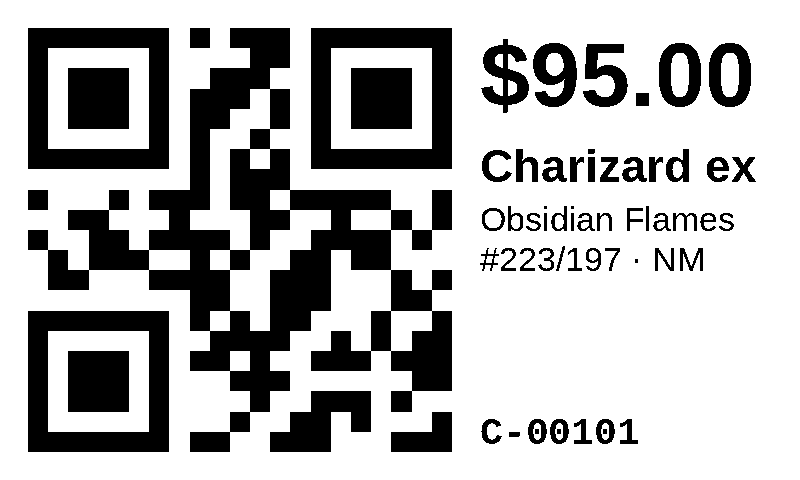
Print a QR price tag on your Niimbot and stick it on the sleeve, top-loader or slab. Tag a whole binder at once.
Scan each tag into the cart, add a regulars discount, pick cash, card or Venmo and confirm. Sold.
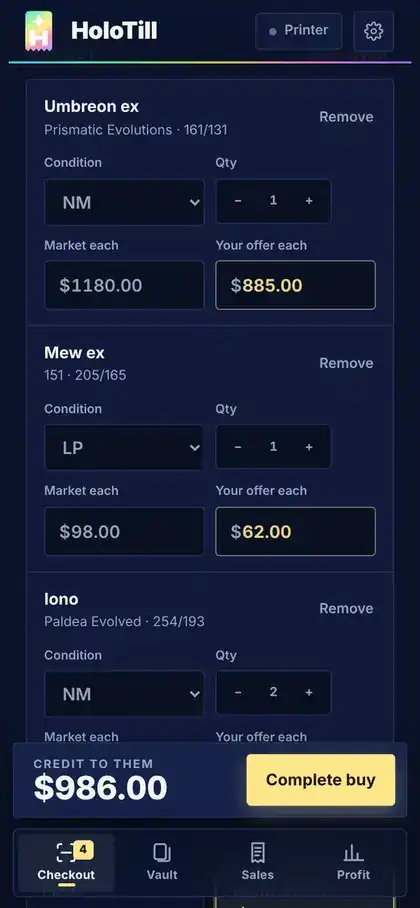
Flip the till to Buy. Scan or look up the cards they brought, set condition, and HoloTill offers a cash price and a trade-credit price side by side.
Four tabs do the work. One thumb runs them.
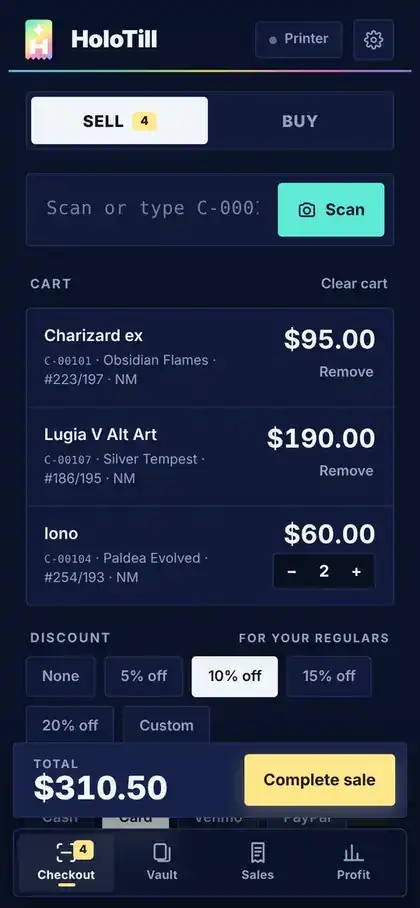
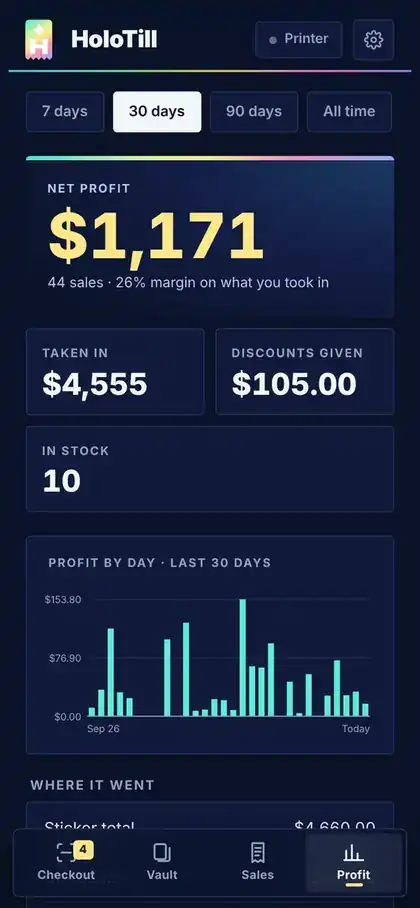
A regular buys three cards. You give them 10% and they tap a card. Most dealers would call that a $310 sale. HoloTill shows what it was really worth to you.

Niimbot thermal printers over Bluetooth.
Anything that types and presses Enter.
No app store needed to start.
iPhone and iPad browsers can't talk to Bluetooth printers yet, so there you save each label image and print it from the Niimbot app. Everything else works the same.
Any card you can name and price: Pokémon, One Piece, Magic, Yu-Gi-Oh!, sports, raw singles or graded slabs. Card lookup and photo matching cover Pokémon today, with more games planned.
Not the whole time. If the signal drops, sales keep saving on your phone and sync once you're back online.
You set your cash and trade-credit percentages and how much each condition is worth. HoloTill applies them to market value, and you can type over any offer to haggle.
Set the fee for each payment method once. At checkout HoloTill subtracts the discount and the fee, then splits both across the cards in the sale, so every card's profit is real.
Open the sale and void it. The cards go back in the vault and the sale leaves your totals. Buys can be voided the same way until their cards sell.
Yes. Export your inventory, sales and buys to CSV whenever you want.
We're opening HoloTill to dealers a few at a time. Leave your details and we'll reach out when your seat is ready.